Git和jenkins
git
Gitlab

gitlab安装
shell
1.导入镜像:docker load -i /vspn30/soft/docker/images/gitlab.tar
2.创建目录

shell
3.运行
docker-compose up -d
4.访问:http://192.168.1.252:6080git推送代码
shell
//推送代码,在gitlab上创建然后拉到本地
git clone http://192.168.1.252:6080/root/vspn30-jdjc.git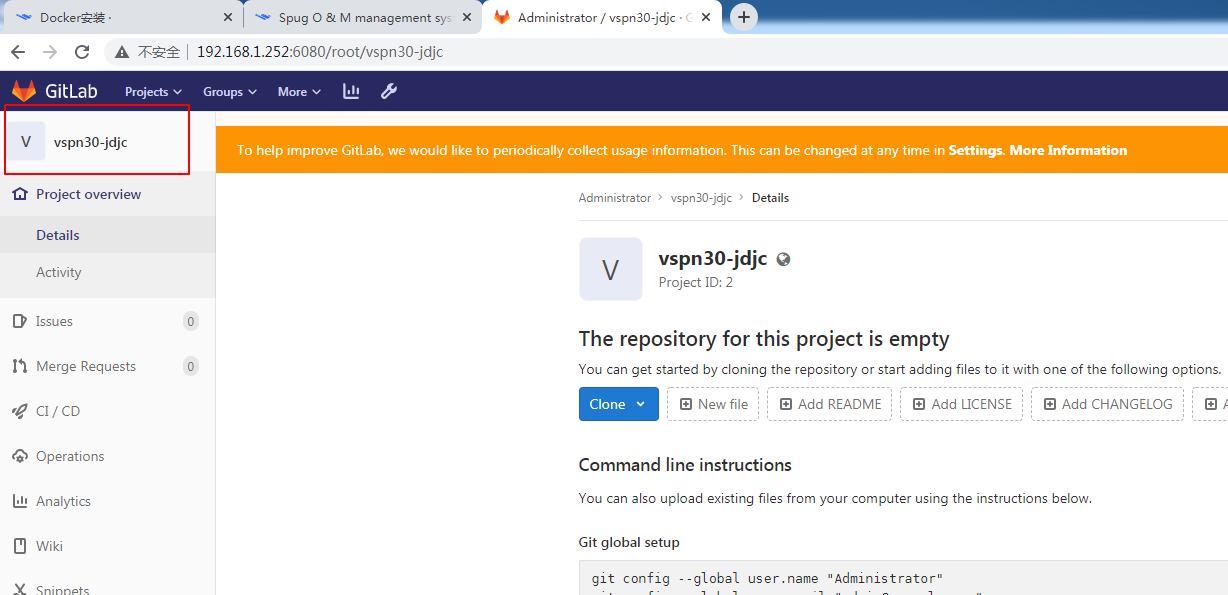
本地
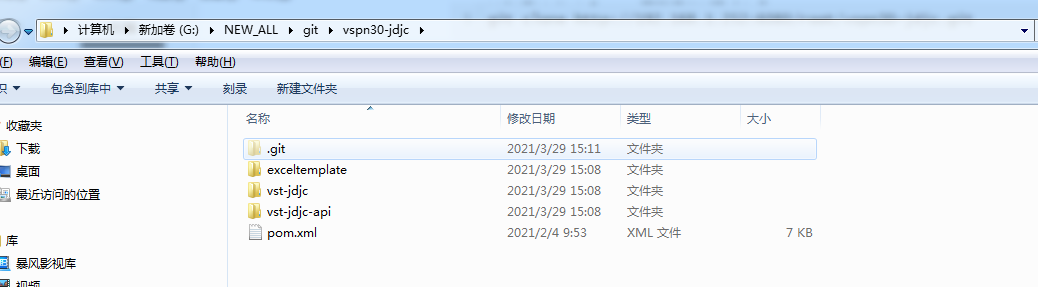
上传提交git
进入目录
shell
//添加代码
git add .
//提交
git commit -m 'add vspn30-jdjc'
//提交远程仓库
git push origin master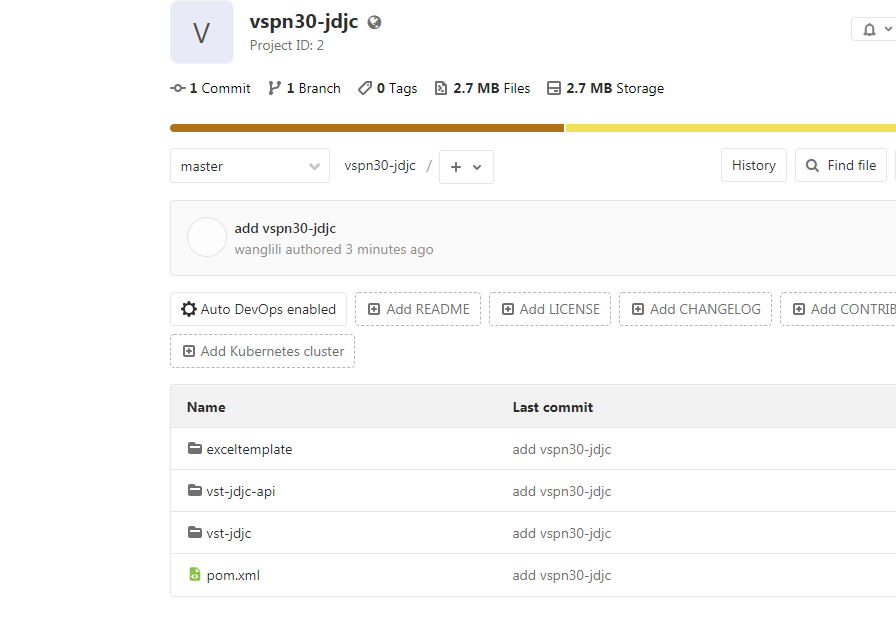
分支创建提交
sh
$ git checkout -b "20210330"
$ git add .
$ git commit -m "20210330"
$ git push
//查看分支
$ git branch
//删除本地分支
git branch -d dev20181018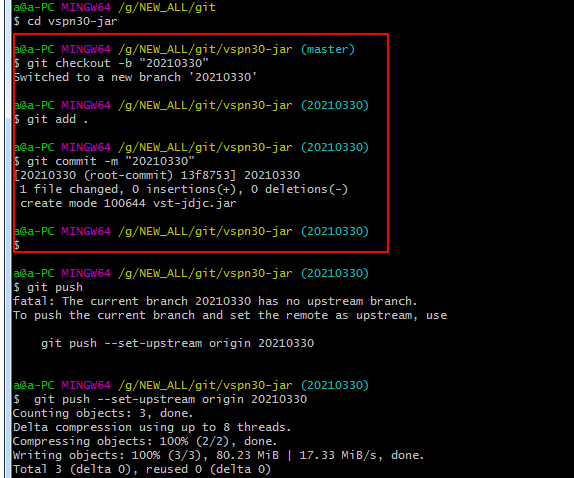
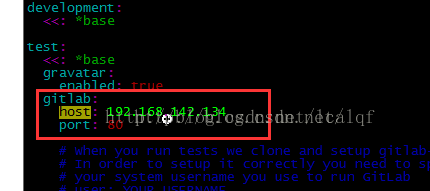
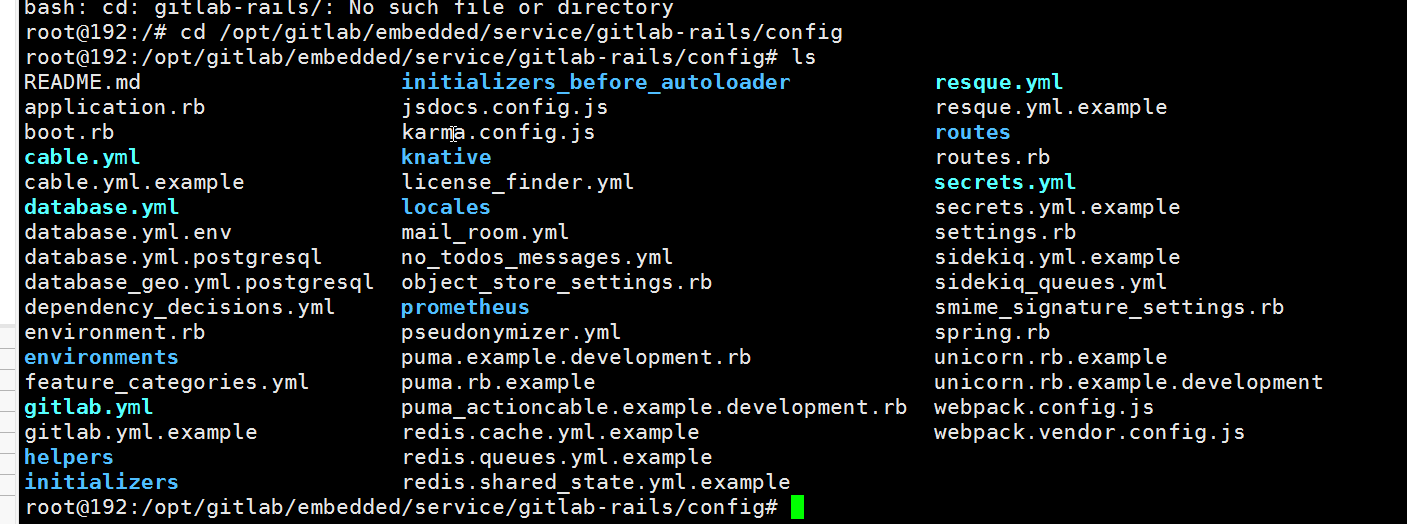
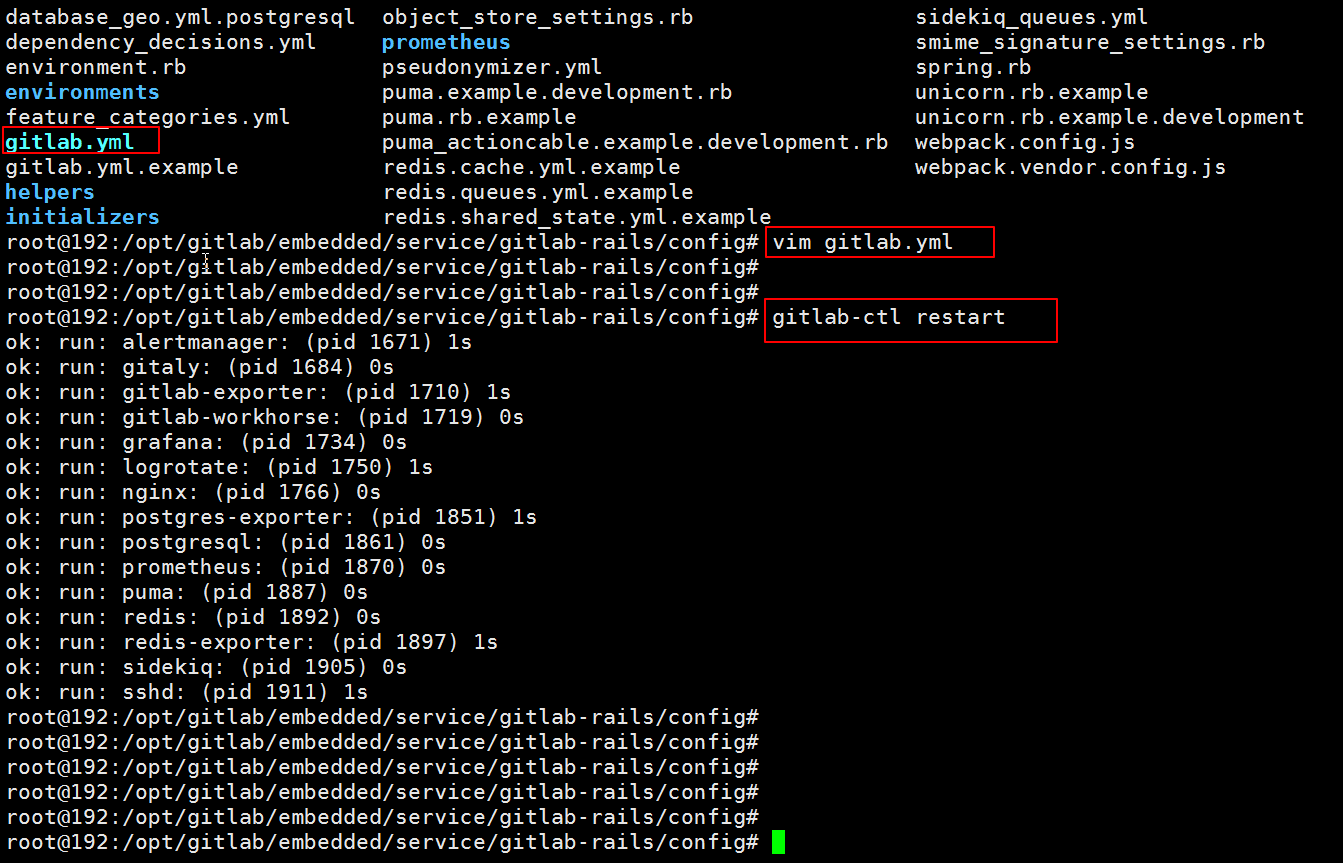
更改IP
sh
docker exec -it   gitlab /bin/bash
[root@localhost config]# cd /opt/gitlab/embedded/service/gitlab-rails/config
cd /var/opt/gitlab/gitlab-rails/etc/
//gitlab-ctl reconfigure
gitlab-ctl restart
sh
docker exec -it gitlab /bin/bash
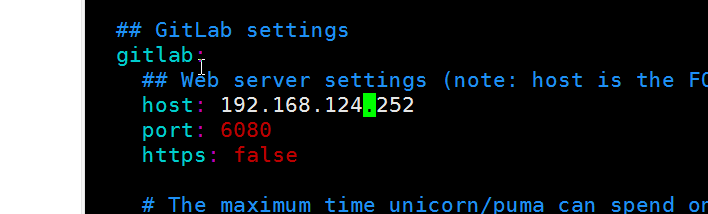
sh
gitlab-ctl reconfigure
gitlab-ctl restartGit拉取分支
sh
git clone -b web https://github.com/hailangsun/wiki.git
git clone -b web https://github.com/hailangsun/wiki.git "./"服务器安装git
sh
yum install git
git --versioncentos7 git记住密码
sh
git config --global credential.helper storegit合并分支
远程分支合并到当前分支
checkout 当前分支
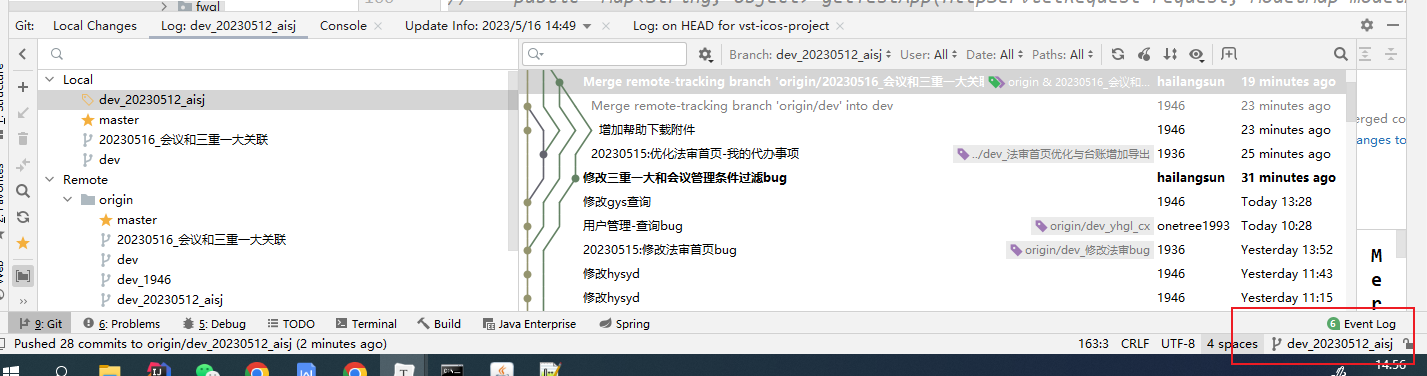
找到远程分支dev分支
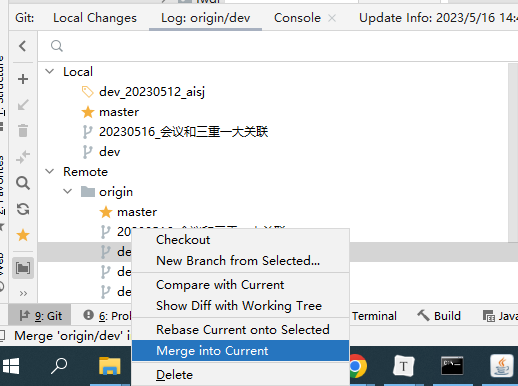
合并到了当前分支,然后把合并的代码提交到自己的远程分支上,
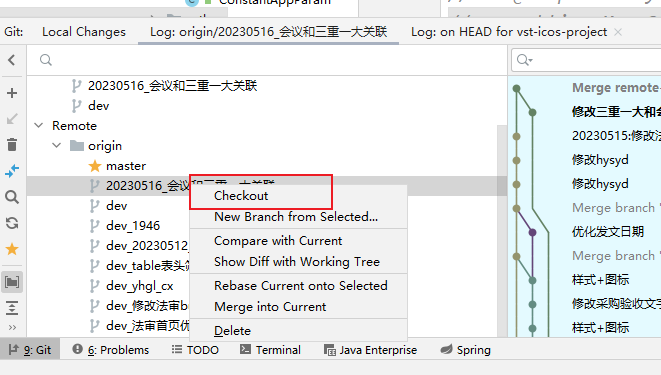
远程git新建了分支,拉取时候如图
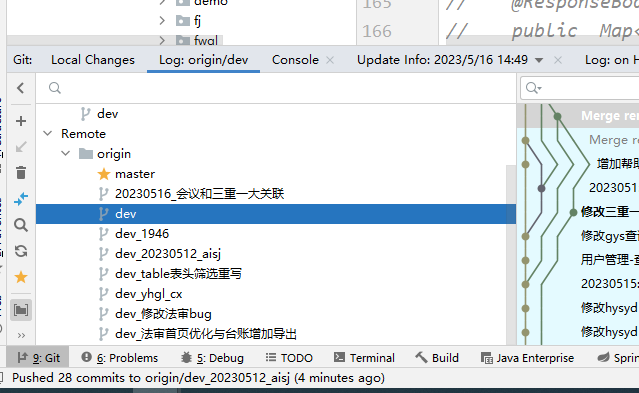
gitlab-docker 安装方法
bash
docker pull gitlab/gitlab-ce
docker-compose.yml
bash
version: '3'
services:
  gitlab:
    restart: always
    image: gitlab/gitlab-ce:latest
    container_name: gitlab
    hostname: '192.168.124.19'
    environment:
      TZ: 'Asia/Shanghai'
      GITLAB_OMNIBUS_CONFIG: |
        gitlab_rails['time_zone'] = 'Asia/Shanghai'
        external_url 'http://192.168.124.19:6080'
        gitlab_rails['gitlab_shell_ssh_port'] = 6022
    ports:
      - '6081:443'
      - '6080:6080'
      - '6022:22'
    volumes:
        - /docker/gitlab/data/config:/etc/gitlab
        - /docker/gitlab/data/logs:/var/log/gitlab
        - /docker/gitlab/data/data:/var/opt/gitlab


docker-compose up -d

http://192.168.124.19:6080进入容器内找到初始密码
bash
docker exec -it gitlab /bin/bash
cat /etc/gitlab/initial_root_password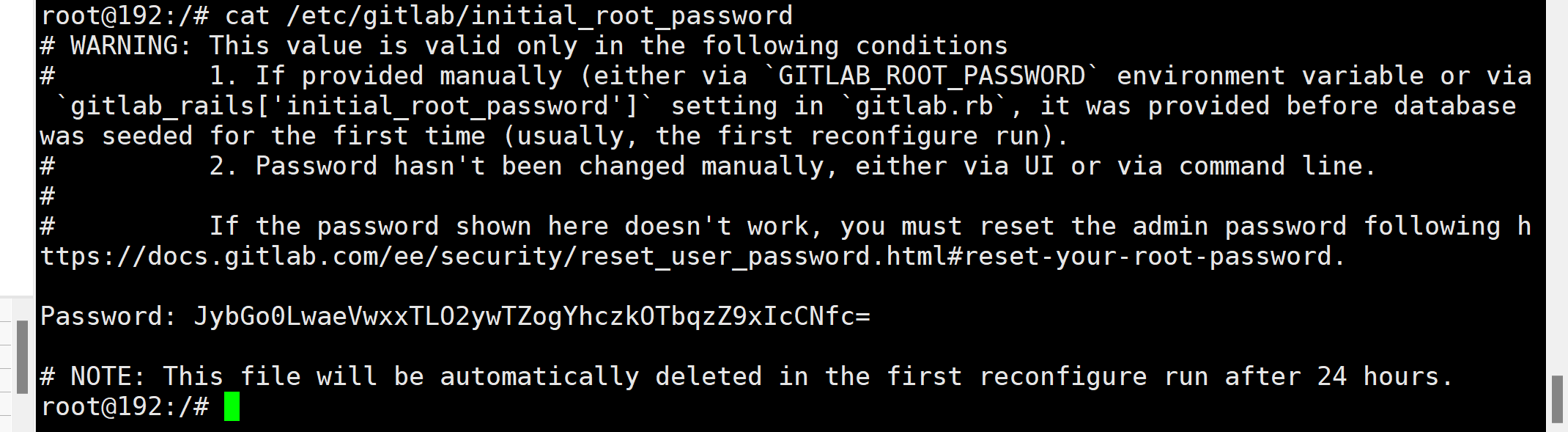
bash
root/wang123456789idea提交方式
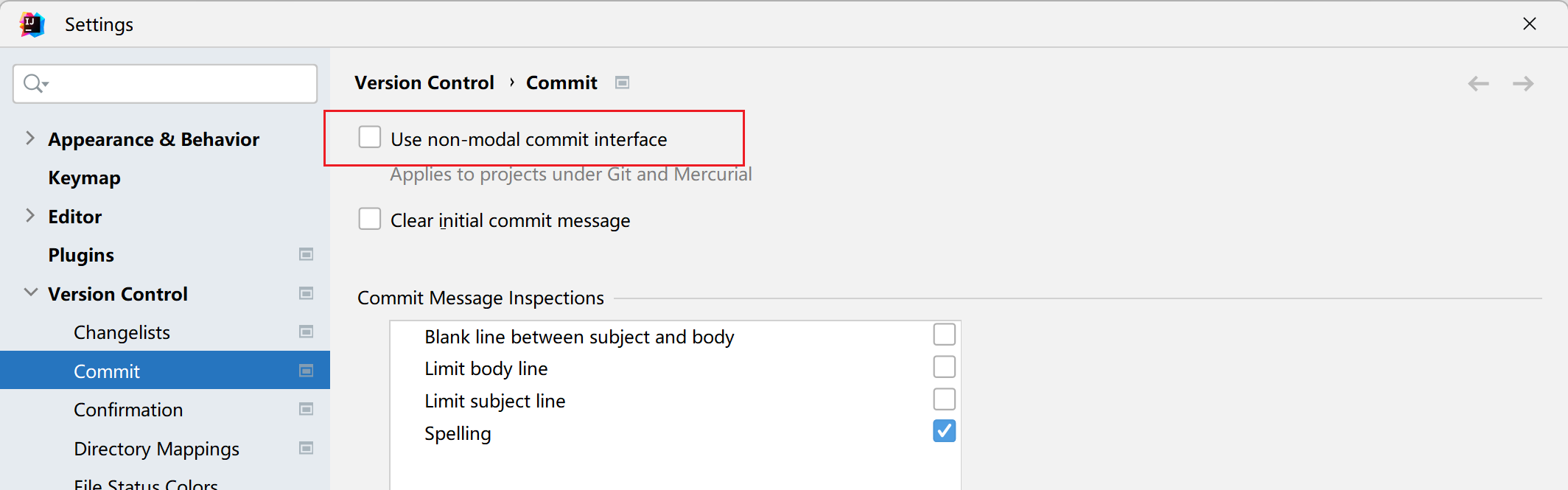
新版idea需要去掉勾选